How To Create Your Own AI Image
Everyone has their own way of creating it. Everyone creates it in their own way, but many people struggle with it. I want anyone who wants to create such a photo to be able to do so easily. In this article, I’ll teach you how to create it using Google Gemini, as people widely know and widely use it. It’s also easy to use. I’ve provided you with a prompt in the article. Choose whichever prompt you like best. Different prompts in different styles are provided here. Copy them. Copying is essential, as we’ll be creating them using them. Then, you’ll find the “Create Image” option below. It contains a link to Google Gemini.
Clicking on it will open a website on the next page. First, paste the prompt you copied into Google Gemini. Paste the copied prompt. A “Write” option will appear below. From there, you’ll need to select the “Create Image” option. Then, go to the “Plus” option and upload a photo, any photo, that you want to convert to the Holi format. Then, click “Generate.” Just wait a few seconds and it will give you a great result.
Gemini AI Layout and Instagram Prompts: Trending & Viral Ideas for Creators

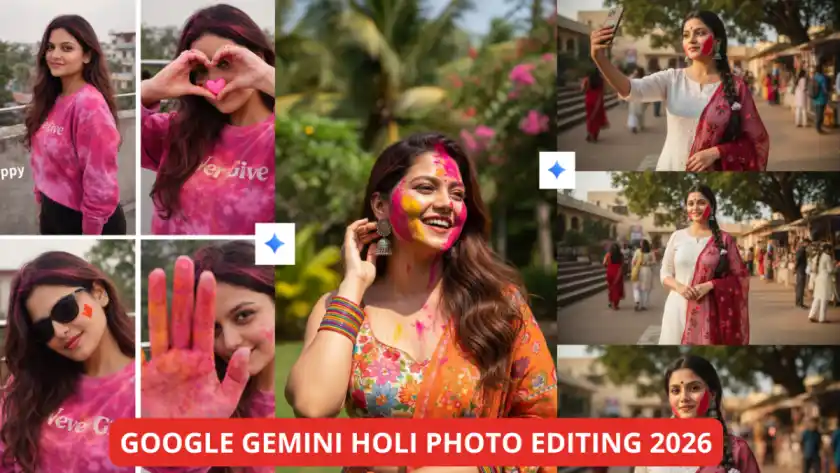
Prompt: A hyper-realistic cinematic 3-panel square collage (2×2 grid), vertical 9:16 aspect ratio, natural rooftop daylight during Holi. A young South Asian girl wearing a pink–magenta tie-dye full-sleeve sweatshirt with “Never Give” text and black fitted bottoms. No visible earrings. Long, open, slightly messy dark hair with soft waves, lightly dusted with pink Holi powder. Very natural minimal makeup, fresh skin glow. Shoes not visible.
Panel 1: Medium rooftop shot, relaxed pose, soft smile, concrete terrace walls, nearby houses and trees, hazy sky, “happy” text on side.
Panel 2: Close-up balcony shot, making a heart shape with both hands, pink heart graphic in center, playful expression, metal railings and greenery behind.
Panel 3: Medium shot, one palm raised toward camera covered in bright pink/orange Holi color, partially hiding face, playful shy vibe, “holi 💗” text.
Joyful, candid, youthful Holi aesthetic, soft cinematic realism, natural outdoor ambiance. Don’t change her face.

Prompt: A hyper-realistic cinematic 4-panel square collage (2×2 grid), vertical 9:16 ratio, in bright natural daylight with soft shadows, clean white corridor walls and muted grey background. A young South Asian woman with long wavy dark brown hair worn open, wearing a white self-embroidered 3/4-sleeve kurti and a long multicolor ethnic printed dupatta (red, green, orange, beige patchwork). No visible earrings or shoes. Black sunglasses placed on head in top panels and worn over eyes in one lower panel. Minimal natural makeup, soft pink lips, subtle eyeliner, bold red-yellow painted heart on cheek. Poses: eyes closed with soft smile against wall, leaning near railing hands behind back, resting arm on black railing with sunglasses, playful hand raised to forehead. Fresh, candid, youthful mood, realistic skin tones, cinematic clarity, ultra-detailed 4K/8K photorealistic. Don’t change her face.
10 Best Google Gemini AI Photo Editing Prompts (2026 Viral Guide)

Prompt: A hyper-realistic cinematic 3-panel vertical collage (9:16) of a young South Asian woman celebrating Holi. She wears a white embroidered kurti, white palazzo pants with tiny multicolor dots, and a sheer deep red floral dupatta over one shoulder. Long black hair in a single braid with white tassels, side strands framing face, oxidized silver jhumkas. Minimal makeup, small black bindi, soft pink lips, bold red Holi gulal on cheek and forehead. Poses: playful selfie, standing hands clasped, close-up calm expression. Outdoor courtyard with stairs, trees, festive stalls, people, warm golden-hour sunlight. Ultra-realistic 4K/8K photorealistic. Don’t change her face.

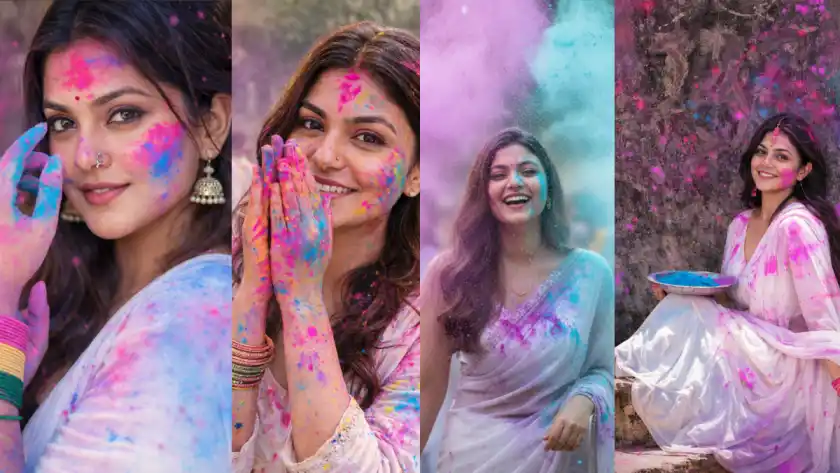
Prompt: Ultra-realistic cinematic portrait of a joyful young South Asian woman celebrating Holi in a lush garden. She is laughing naturally, looking slightly to the side (not directly at camera), one hand gently touching her hair near her ear. Her face and neck are covered in vibrant pink, yellow, and orange Holi powder. She is wearing a sleeveless floral blouse, an orange printed dupatta draped over one shoulder, and colorful rainbow bangles on her wrist. Large oxidized silver jhumka earrings. Bright natural sunlight, sharp shadows, tropical greenery, palm trees and blooming pink flowers in background. DSLR photography, 85mm lens, f/2.0, shallow depth of field, soft bokeh, ultra detailed skin texture, realistic colors, high dynamic range, vibrant festive mood, candid expression, 8K photorealistic, Instagram reel aesthetic.
Top Trending AI Prompts for Holi Special Looks: Colorful, Creative & Viral Ideas for 2026
Some Photo Customization Tips
Here are some photo customization tips that will always come in handy. If you ever want to create a Holi photo, you can definitely use this suggestion. You can change the color type here, for example, there will be a few colors, like red, green, yellow. If you want, you can remove that color and add your favorite color. You can remove street temples or crowds from the background. You can add them; you just have to write the item there and it will be added. After that, you can add cinematic soft light or whatever you want for a festive environment. You can also add the camera type here, such as whether you want a DSLR or what lens you want for portraits. If you also specify the lens, the photo will generate accordingly. For example, if you want a 50mm lens, you can add that. So, these are some customizations that will come in handy whenever you create Holi photos
Mahashivratri ChatGPT Photo Editing Prompts: Create Stunning Divine Images in 2026
💡 Found this helpful? Like the article!
Want More?
✨ Browse 100+ AI Prompts for Free
Top Trending AI Prompts for Holi Special Looks: Colorful,Creative & Viral Ideas for 2026
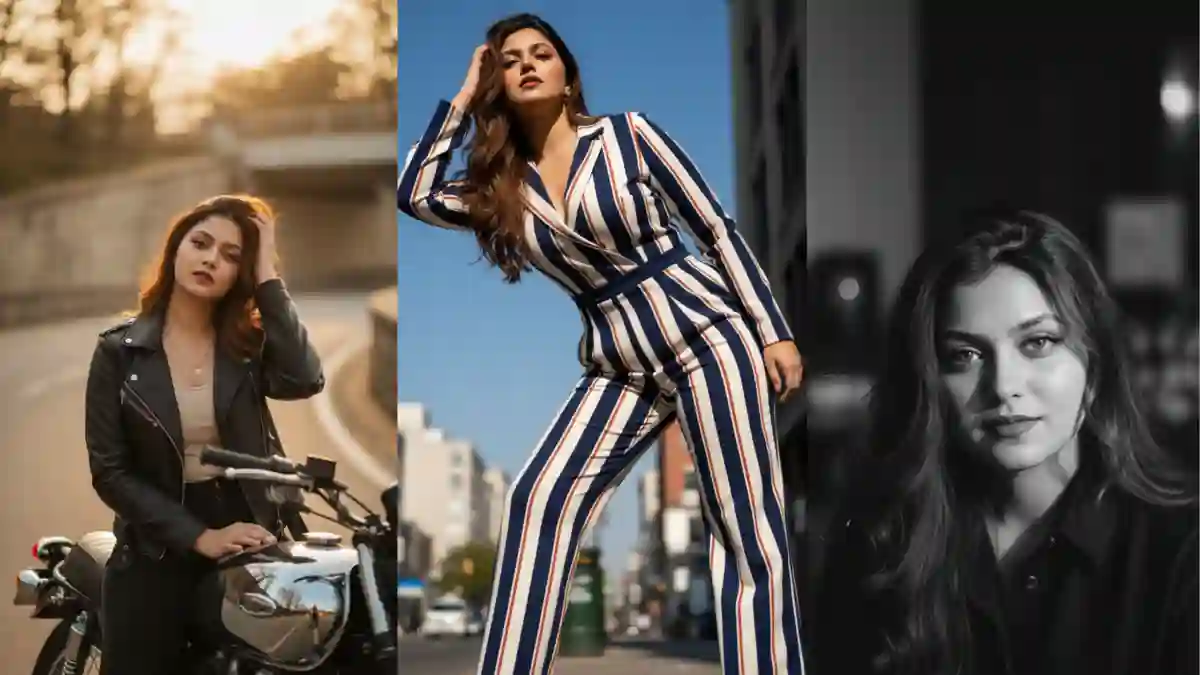
10+ Google Gemini AI Prompts for Cinematic, High-Fashion Female Portraits (With Copy-Paste Examples)
Discussions (0)
Be the first to start the discussion!