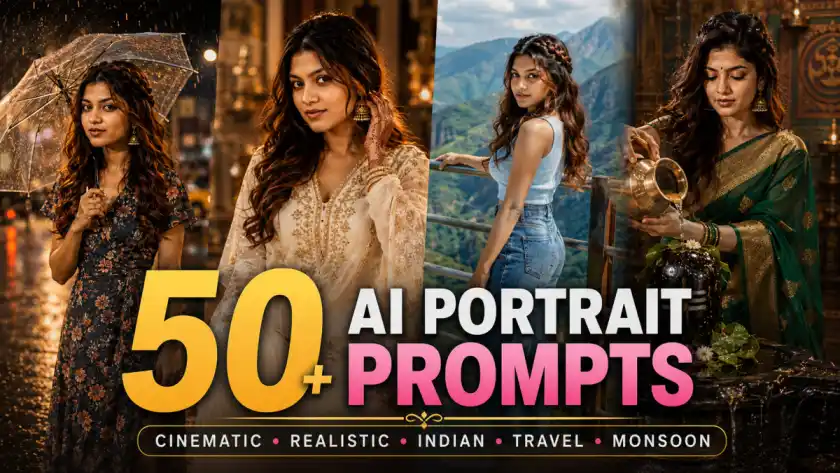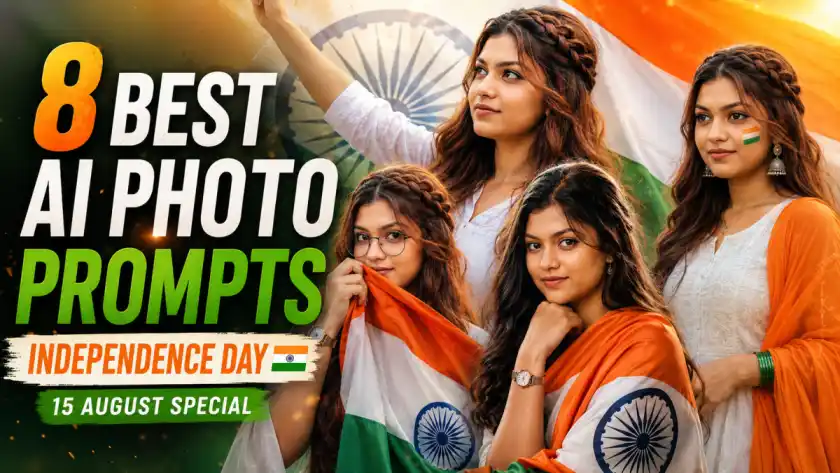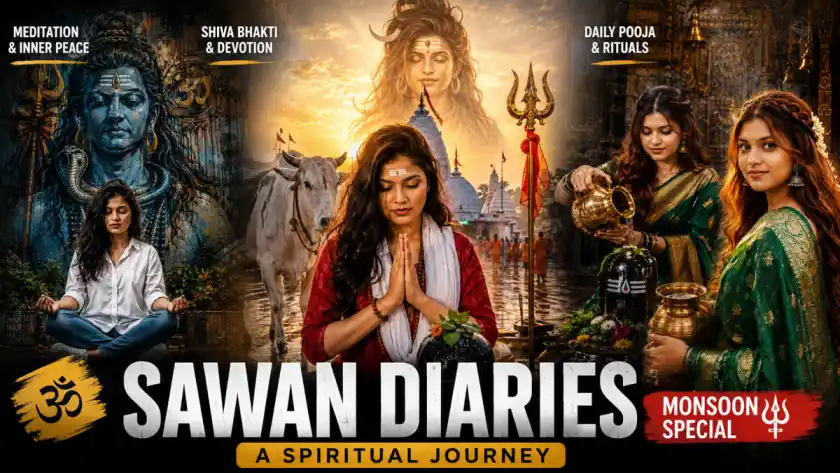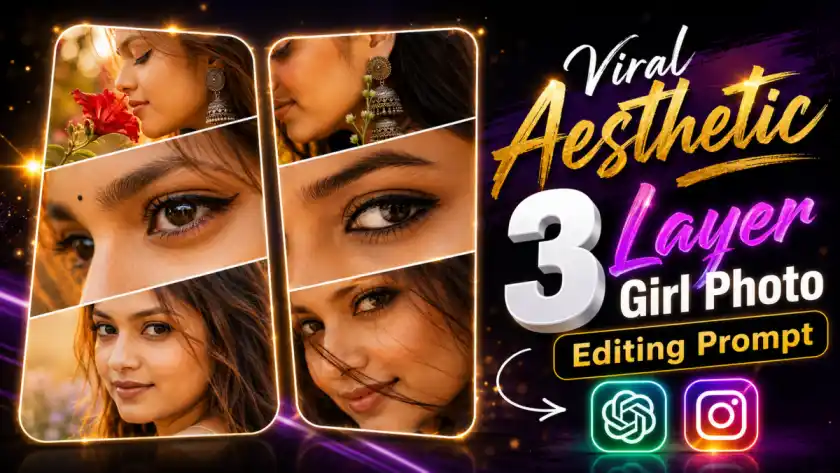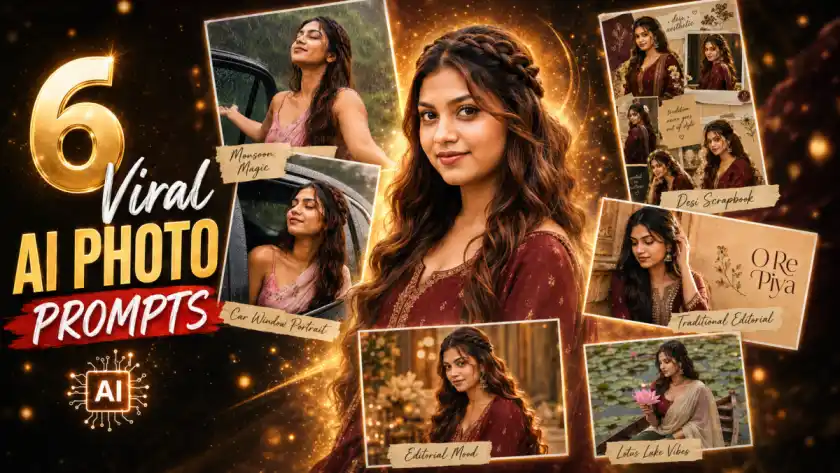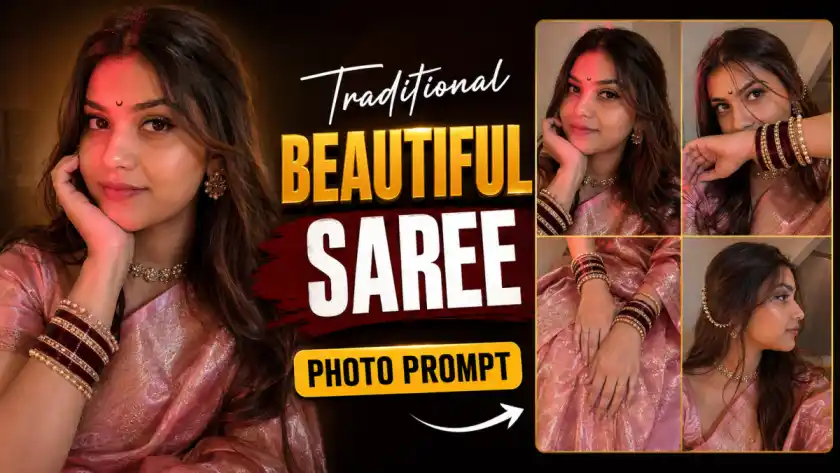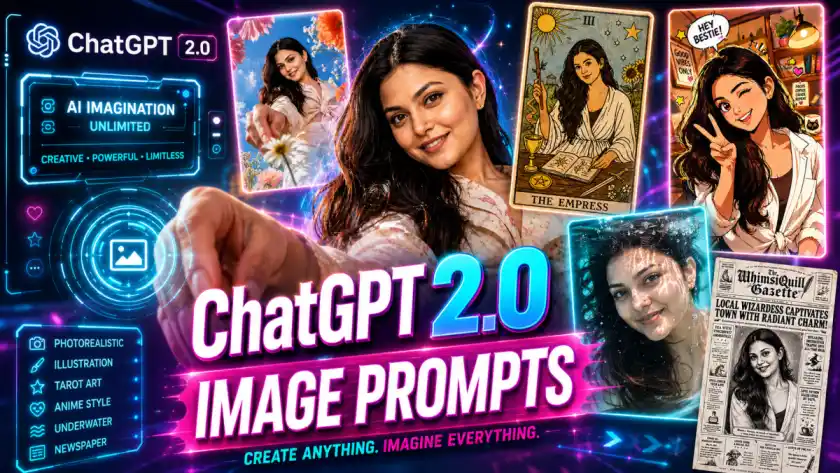
Artificial intelligence has completely transformed digital creativity, and ChatGPT 2.0 image prompts are leading this revolution. Whether you're creating dreamy portraits, aesthetic illustrations, tarot-style artwork, or underwater photography effects, the right prompt can unlock breathtaking results.
In this guide, you’ll learn how to craft high-quality AI image prompts inspired by the types of visuals shown above—ranging from vibrant outdoor portraits to stylized illustrations and cinematic underwater shots.
🌟 Why Image Prompts Matter in ChatGPT 2.0
ChatGPT 2.0 brings more advanced visual understanding and generation capabilities. But here’s the truth:
👉 The quality of your output depends heavily on the quality of your prompt.
A well-structured prompt helps control:
- Lighting and mood
- Composition and angle
- Artistic style
- Color grading
- Subject detail
📸 1. Vibrant Outdoor Portrait Prompt (Floral Aesthetic)

Prompt: Transform my photo into an ultra wide-angle, ground-level portrait looking up, with only me as the subject and all original background removed. Frame the scene with oversized spring flowers inches from the lens, overlapping the edges and rising toward me to create depth. Place me above the camera, lightly interacting with the foreground in bright daylight with vivid color and strong shadows. Restyle my outfit into fashionable, modern spring clothing. Preserve my likeness and create a bold, immersive editorial feel. in 9:16 vertical aspect ratio
🎴 2. Tarot Card Illustration Prompt (Vintage Art Style)

Prompt: Create a tarot card based off of what you know about me in the classic Rider-Waite style. Style me in a hand-drawn figure using bold but imperfect black ink linework with wobble and variation, flat colors with no shading. Layer subtle tarot visual elements around the figure. Add paper texture and print feel.
🎨 3. Cartoon / Anime Style Prompt (Cozy Vibes)

Prompt: Create a trending anime art style image from the uploaded subject. Use confident line-work with slight variation and minimal cel shading using flat shadow shapes. Use bright, saturated colors and clean graphic lighting. The style is defined by exaggerated, cartoonish character proportions featuring highly expressive, simplistic facial features that allow for immense emotional range, with highly varied stretched anatomy. Transform the environment into a slightly warped space with playful perspective distortion and simplified objects. Composition and tone should be energetic, lively, and comedic in a fully stylized, non-realistic world.
🌊 4. Underwater Portrait Prompt (Cinematic Realism)

Prompt: Create an extreme close-up underwater portrait after the subject has just jumped into a swimming pool or clear shallow water. Keep the mood calm, weightless, and ethereal, emphasizing light reflections. No struggle or urgency.
📰 5. Newspaper Style Image Prompt (Vintage Editorial Look)

Prompt: Transform the person in the uploaded photo into a whimsical black-and-white vintage newspaper front page. Place them as the main portrait in the center, styled like an old engraved photograph. Surround them with bold, exaggerated headline text, narrow newspaper columns, and playful subheadings. Use high-contrast black ink on pure white background, subtle paper texture, and classic serif fonts. Add quirky, magical or humorous headlines to create a charming, slightly surreal tone. Keep the layout dense, editorial, and reminiscent of an old fantasy newspaper. Ensure the subject's face remains recognizable but stylized to match the printed newspaper aesthetic.
🧠 Best Practices for ChatGPT 2.0 Image Prompts
To consistently generate high-quality visuals, follow these rules:
✅ Use Structured Prompts
Break your prompt into:
- Subject
- Environment
- Lighting
- Style
- Camera details
✅ Add Camera & Lens Details
Examples:
- 50mm lens
- cinematic lighting
- depth of field
✅ Define Mood & Color
Examples:
- warm tones
- vibrant colors
- soft pastel palette
✅ Mention Quality Tags
Always include:
- ultra-realistic
- high resolution
- 4K / 8K
📈 SEO Keywords to Target
To rank your blog higher, include these keywords:
- ChatGPT 2.0 image prompts
- AI image prompt guide
- best prompts for AI art
- generate realistic AI images
- AI art prompt examples
- ChatGPT image generation tips
🏁 Final Thoughts
ChatGPT 2.0 is not just a chatbot—it’s a powerful creative tool. With the right prompts, you can generate:
✨ Photorealistic portraits
🎨 Artistic illustrations
🌊 Cinematic scenes
📱 Viral social media content
Mastering prompts is the key. Experiment, refine, and push creative boundaries.
💡 Found this helpful? Like the article!
Want More?
✨ Browse 100+ AI Prompts for Free
Asthetic Girls Photo Collage Prompt (Chatgpt)
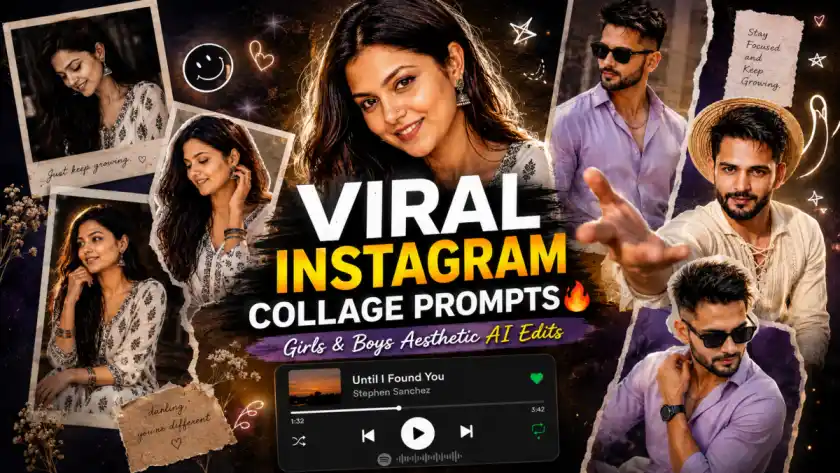
Instagram Viral Trending Collage Prompts for Girls and Boys (Aesthetic Scrapbook + Spotify UI Style)
Discussions (0)
Be the first to start the discussion!