Sushmita Sen Mai Hoon Na Saree Look: How to Recreate Her Iconic Outfit
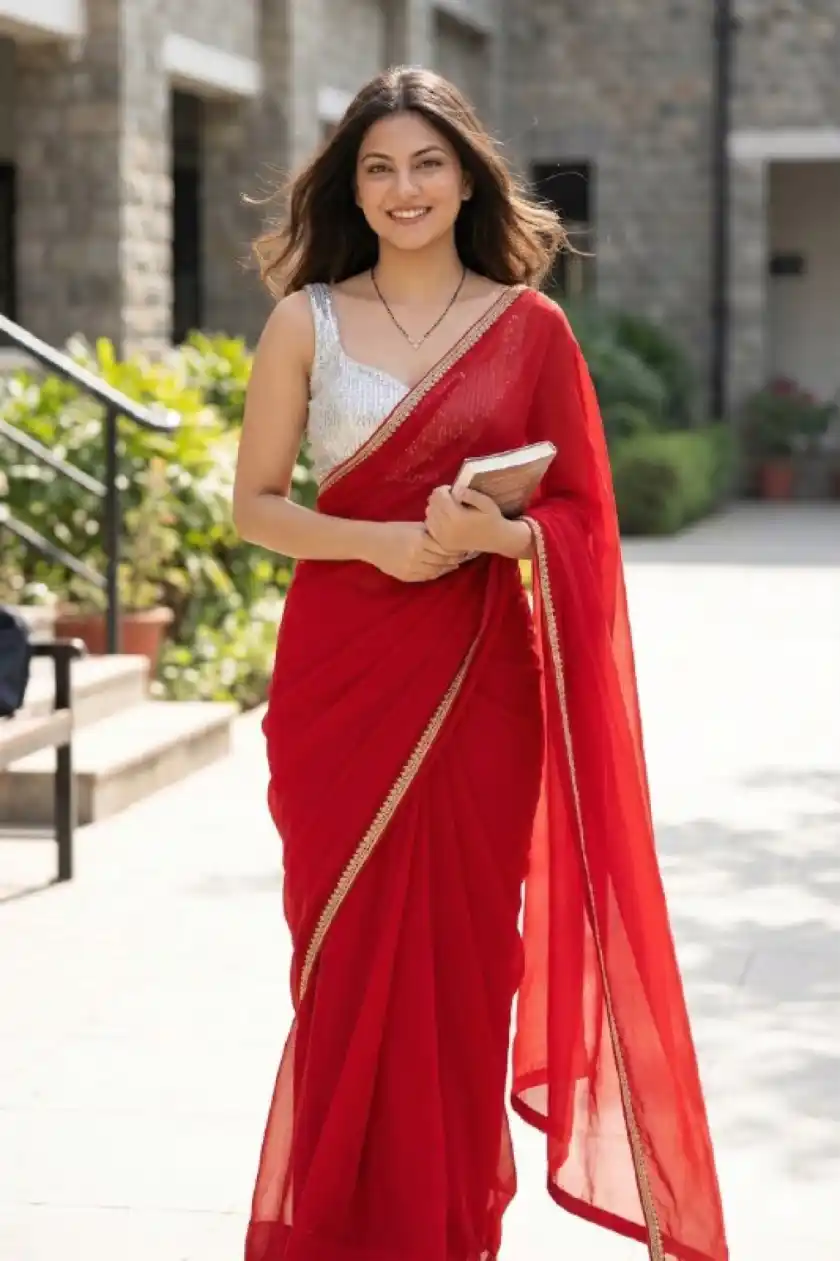
Sushmita Sen Mai Hoon Na: Recreate the exact saree outfit, styling, and mood from the reference image on the uploaded person, while preserving their face and identity 100% exactly. 🔴 NON-NEGOTIABLE FACE & IDENTITY RULES Do NOT change the face in any way Preserve exact facial structure, skin tone, expression, age, and features No beautification, no symmetry correction, no smoothing, no AI-face look The person must look like the same real individual, just styled differently 👗 SAREE (MATCH THIS EXACTLY) Fabric: Lightweight sheer chiffon / georgette Colour: Solid, bold true red (no maroon, no pink, no orange tint) Drape style: Classic Bollywood drape Pallu worn over the left shoulder, flowing freely Natural movement in the fabric (slight wind effect) Border: Thin, elegant gold embroidered lace border Minimal, not heavy or bridal 👚 BLOUSE (VERY IMPORTANT) Sleeveless blouse Silver / white base Dense sequin or mirror-work embroidery Slight scoop or modest sweetheart neckline Fitted, festive but not bridal 💍 STYLING & ACCESSORIES Jewellery: Simple black-beaded or dark stone necklace No heavy earrings, no bridal jewellery Hair: Loose, open hair Natural volume, slightly wind-blown No elaborate styling Makeup: Natural, everyday glam Soft eyes, neutral lips No heavy contouring or glossy skin 🌤️ LIGHTING & MOOD Bright natural daylight Outdoor feel (college campus / open courtyard vibe) Real shadows, real highlights Not cinematic, not studio-lit 📸 PHOTOGRAPHY STYLE Looks like a real candid photograph Mid-shot or ¾ shot Slight motion in saree and hair Natural depth of field Subtle film grain allowed Absolutely NOT painterly, illustrated, or AI-art styled 🚫 STRICTLY AVOID Bridal styling Heavy jewellery or bangles Velvet, silk, Banarasi, or Kanjivaram sarees Over-glam makeup Studio lighting Face changes of any kind
How to Use
Copy the prompt above
Click the Copy button
Open your AI tool
Gemini
Paste & Generate
Hit Enter and watch the magic!
Related Prompts
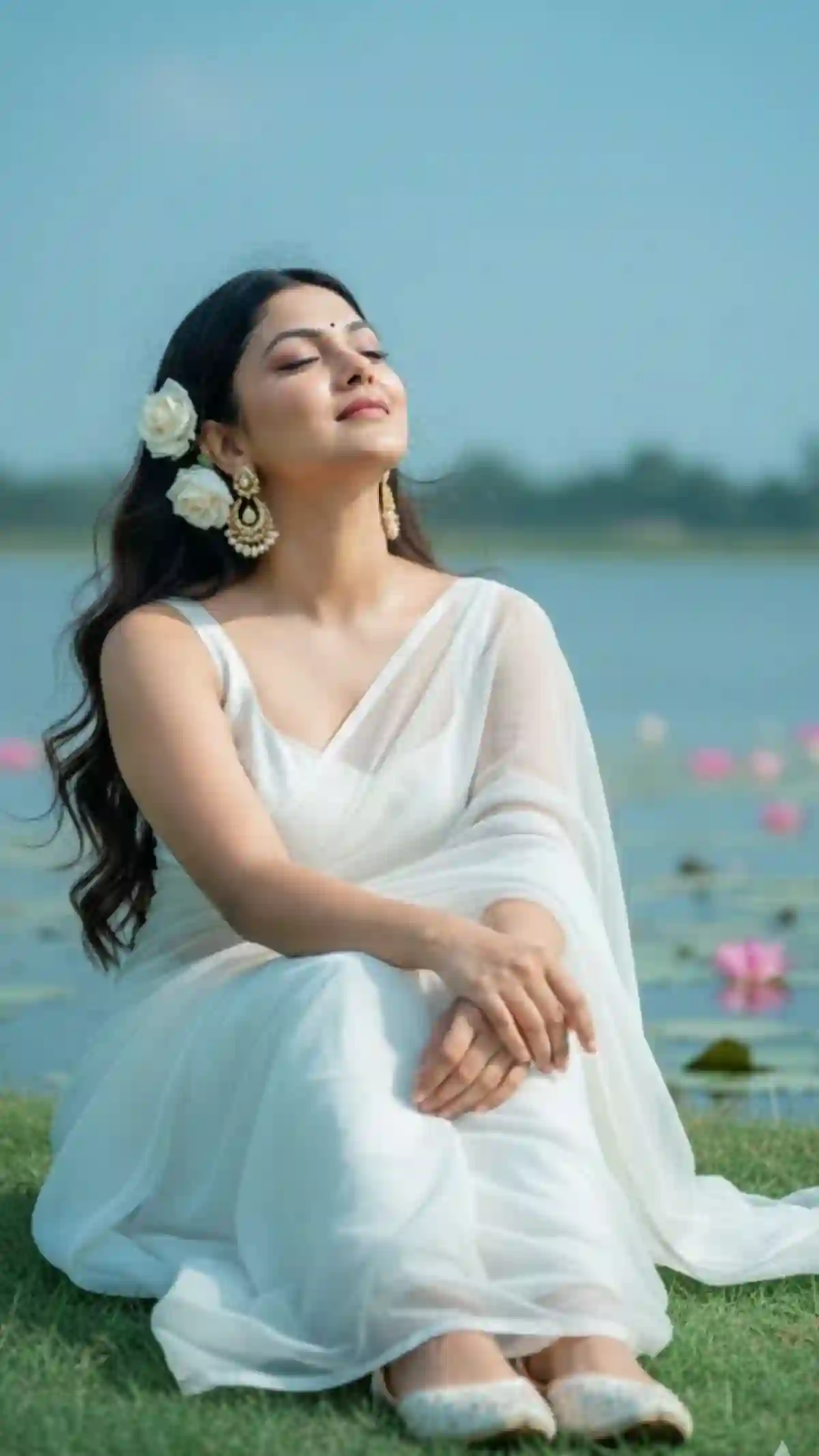
Dreamy Lotus Lake Portrait – Indian Saree Aesthetic Cinematic AI Prompt
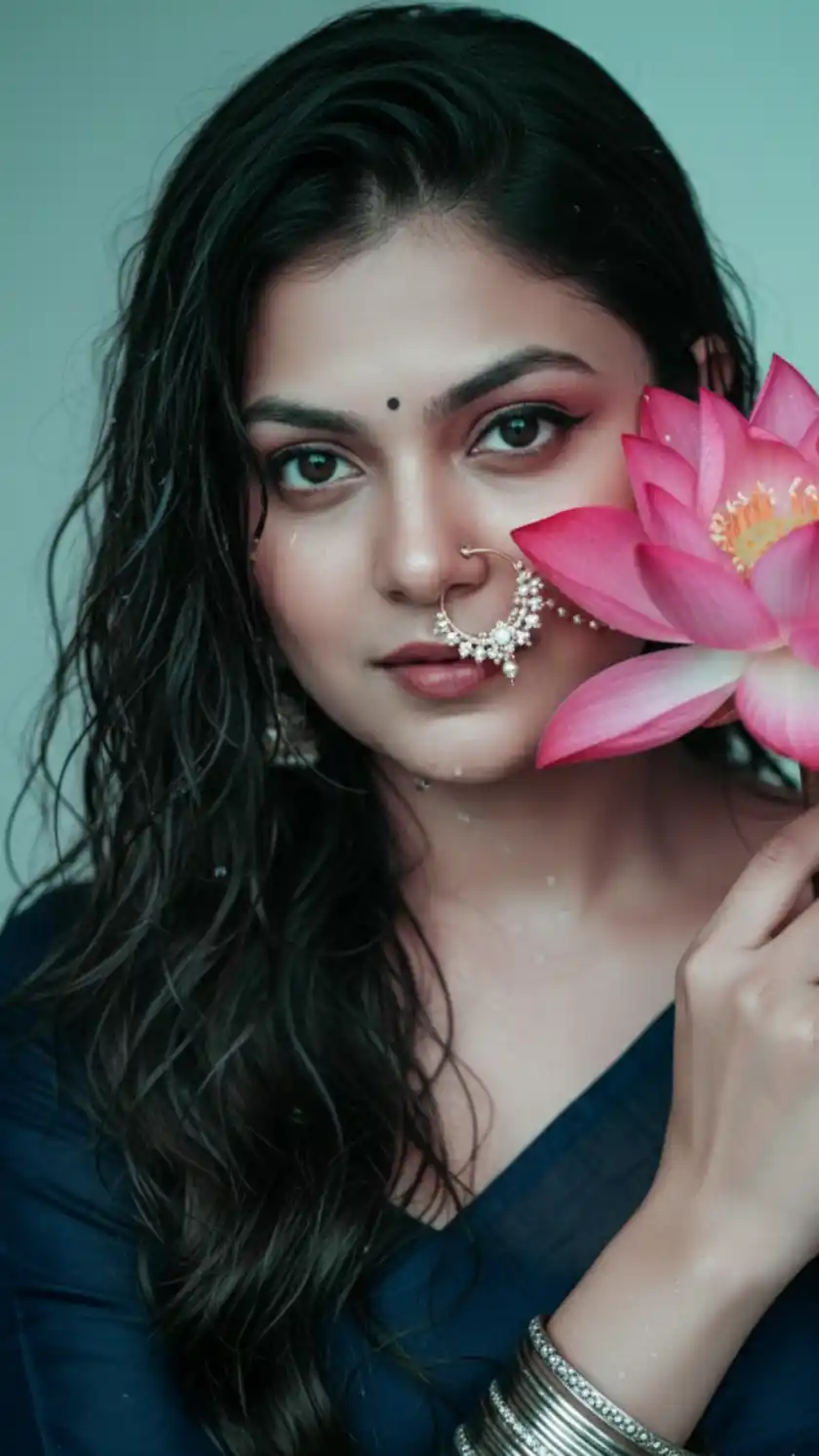
Beautiful Indian Woman with Lotus Flower – Wet Hair Cinematic Portrait
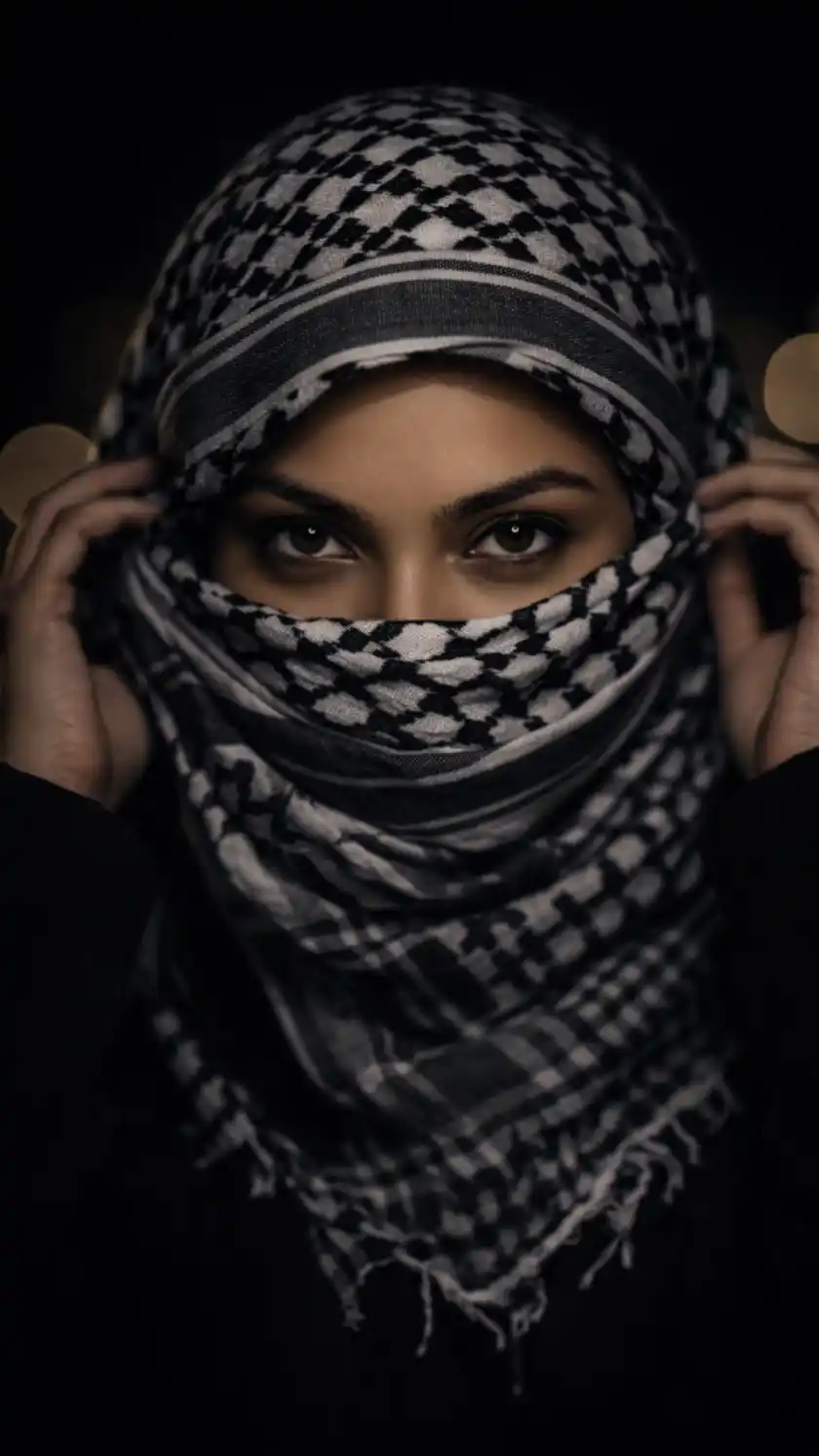
Afghani Gemini Prompt for Girls